
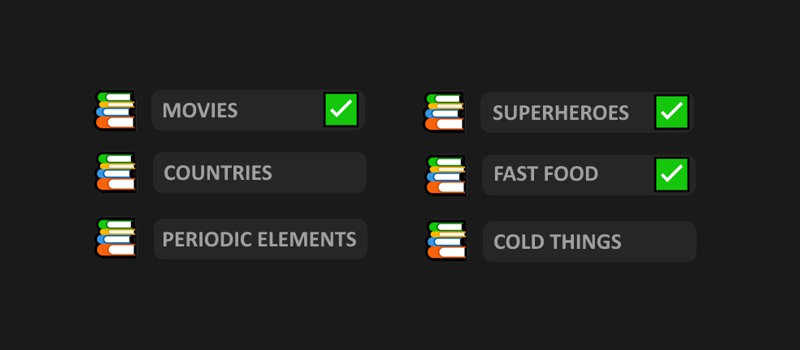
Cattaboom draws its categories from word packs, and by default all available packs are enabled. The host can control which packs are active before the game starts. Here's how it all works.
Where to Find Pack Settings
The host can open the packs menu from the waiting screen before the game begins, or from clicking the game menu button in the top control bar. They can enable or disable individual packs, or use the select all / deselect all buttons to reset quickly.
Changes take effect from the next round. You can't swap packs mid-round.
How Packs Are Organized
Packs are grouped into categories. For example, there might be a geography category that contains separate packs for countries, capitals, and cities. You can enable or disable things at the category level or pick individual packs within a category.
How the Rotation Works
Each round, the game picks one pack randomly from the ones you have enabled. It won't repeat a pack until every enabled pack has been used at least once. Once all of them have come up, the rotation resets and the cycle starts again.
This means if you have five packs enabled, you'll see each of them once before any repeats. The order within the cycle is random each time.
If you only have one pack enabled, that pack will be used every round. There's no variety but it's useful if you want to drill a specific category or pick something everyone knows well.