
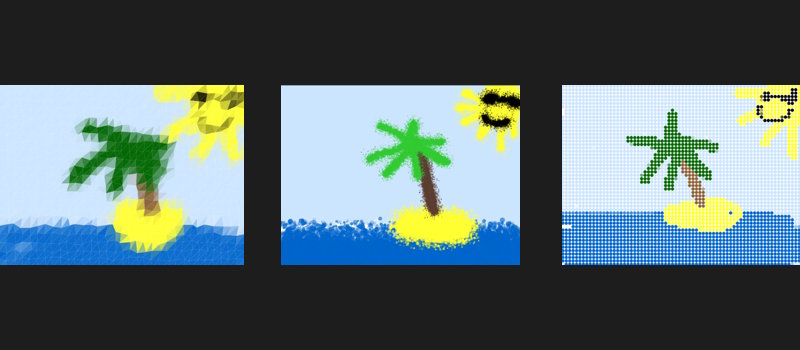
Eight new modifiers are now available in DoodleMod. The host can enable or disable each one from the options menu before the game starts. Here's what each one does:
🛢️ Oil Painting
Brush strokes take on a thick, blended quality. Colors mix at the edges and lines carry weight. It looks expressive but fine detail is harder to pull off.
💻 ASCII Text
The canvas is converted into random ASCII characters. Instead of smooth lines, you'll get a grid of text characters approximating the shapes being drawn.
🖐️ Finger Painting
You'll see oval-like shapes, imitating real fingers! The exact shape and opacity of your oval can be random, just as if you were to do the real thing. Keep in mind the direction you're painting in.
🌊 Gravity
Look out, the pixels fall! Anything you draw starts drifting downward over time, so your drawing slowly collapses toward the bottom of the canvas.
🔷 Low Poly
The canvas is converted into a low-polygon geometric version. Instead of continuous lines, the drawing appears as a mosaic of flat triangular shapes.
🎨 Spray Paint
The brush scatters many semi-circular blobs of paint in a spray pattern rather than drawing a clean line. Color builds up if you hold in one spot and spreads if you move quickly.
🍂 Chalk
The drawing is now a green chalkboard. The brush draws with a grainy, rough texture. Lines have uneven edges and the overall look is slightly coarse.
🔵 Halftone
The drawing is rendered as a halftone dot pattern, similar to the printing technique used in comics and newspapers. Solid fills become grids of dots, with density representing light and dark.